Reservations can be made online,
by calling or visiting our stores.
Please provide the following information to ensure a smooth reservation process.
Departure date and time
Return date and time
Your desired car
Preferred option
A credit card is required for use.





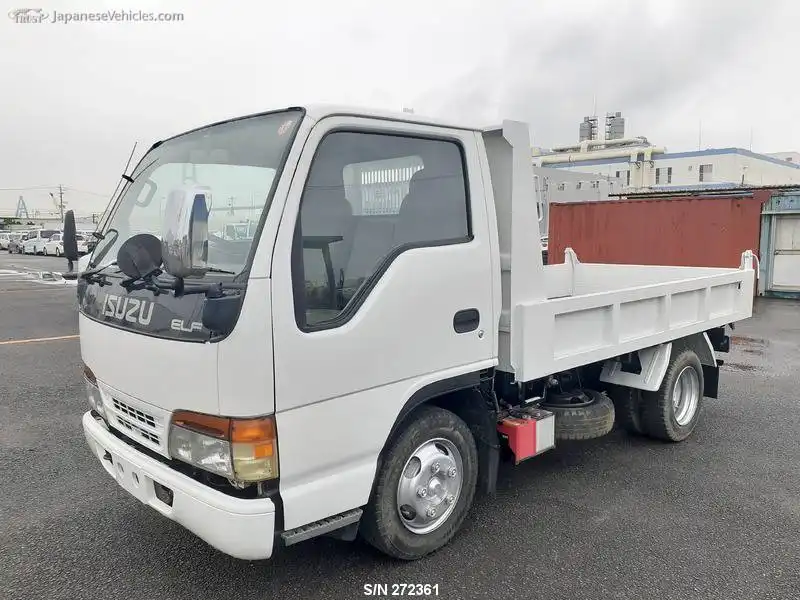
For customers using trucks
and minibuses
Medium-sized vehicle licenses were introduced on June 2, 2007, and semi-medium-sized vehicle licenses on March 12, 2017. Customers using trucks and minibuses are requested to check the license classification and driving range before making a reservation.
Online reservation
If you make a reservation online, you can get up to 20% off the basic rental car fee.
- 10% discount off the basic fee for same-day use
- Discounts cannot be used in conjunction with other discount programs.
- Discounts are not applicable to anything other than the basic rental car fee.
Online reservation process
1 Select store, date and time, and vehicle type
2 Select class, options and compensation
If an option is specified, it will be a request reservation.
3 Login/New Member Registration
4 Confirm reservation details
We will send you the reservation details to your registered email address. Please check that the reservation details are correct.
5 * In case of request reservation
Please wait for a response from the store. Your reservation may be canceled depending on stock availability.
6 Payment
Please complete the online payment by credit card by the payment deadline. If payment is not made by the payment deadline, your reservation will be automatically canceled.
7 Reservation completed
8 Reservation inquiry/cancellation
After logging in to your My Page, you can check or cancel your current reservation details.